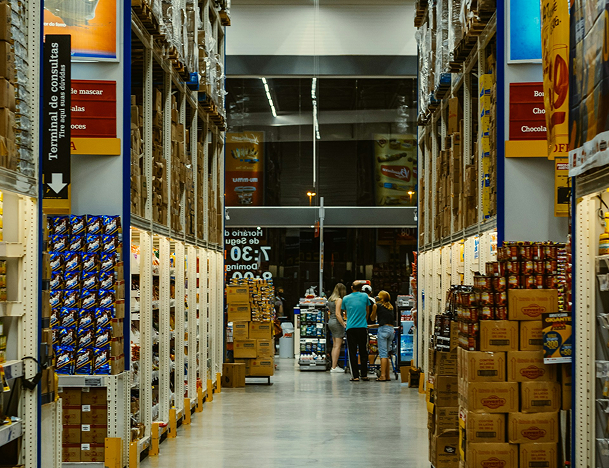

Keep selling even when the internet goes down with CountTill Offline POS Software. Our POS system keeps your desktop and web applications in sync, ensuring every transaction is securely updated without data loss.

CountTill combines the reliability of desktop software with the flexibility of the cloud. Continue operating offline and automatically synchronize your business data once you’re back online.
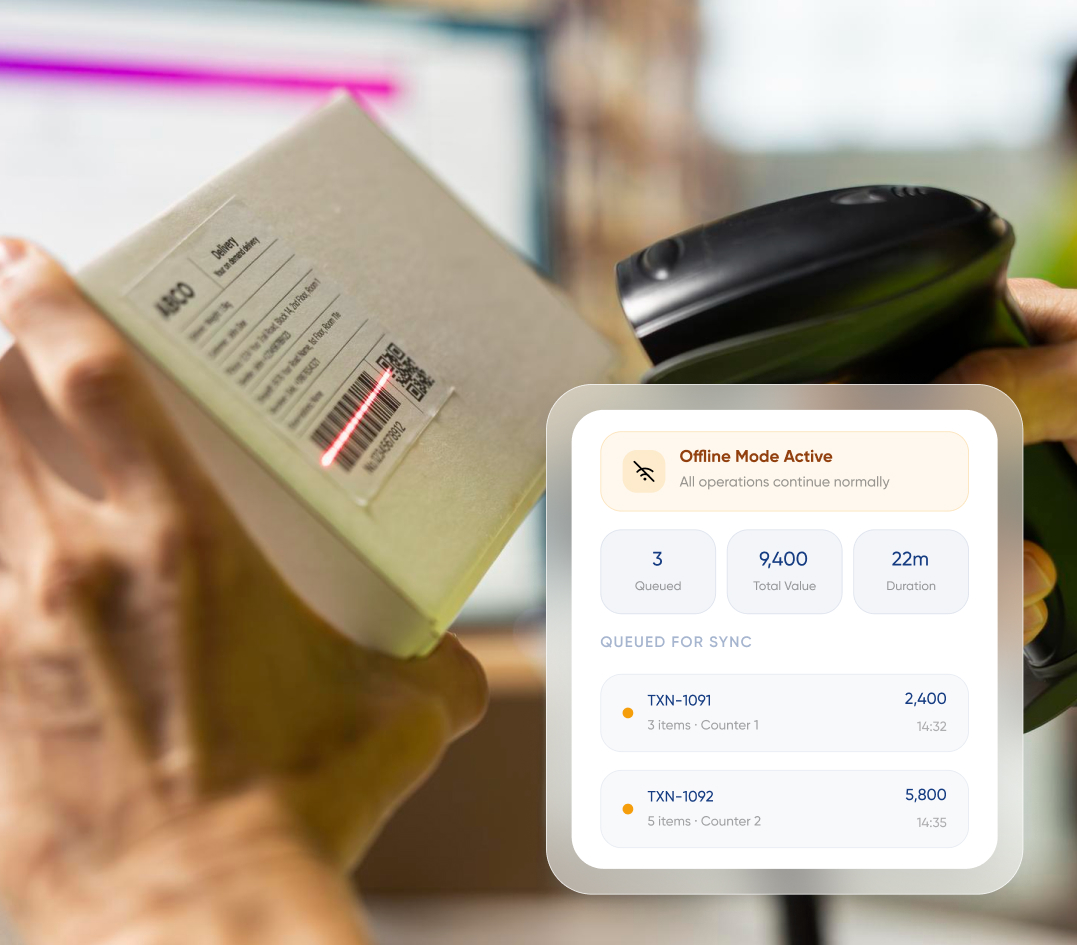
Continue processing sales, purchases, and daily operations without an internet connection.
Automatically synchronize data between your desktop POS and web dashboard for accurate, up-to-date business records.
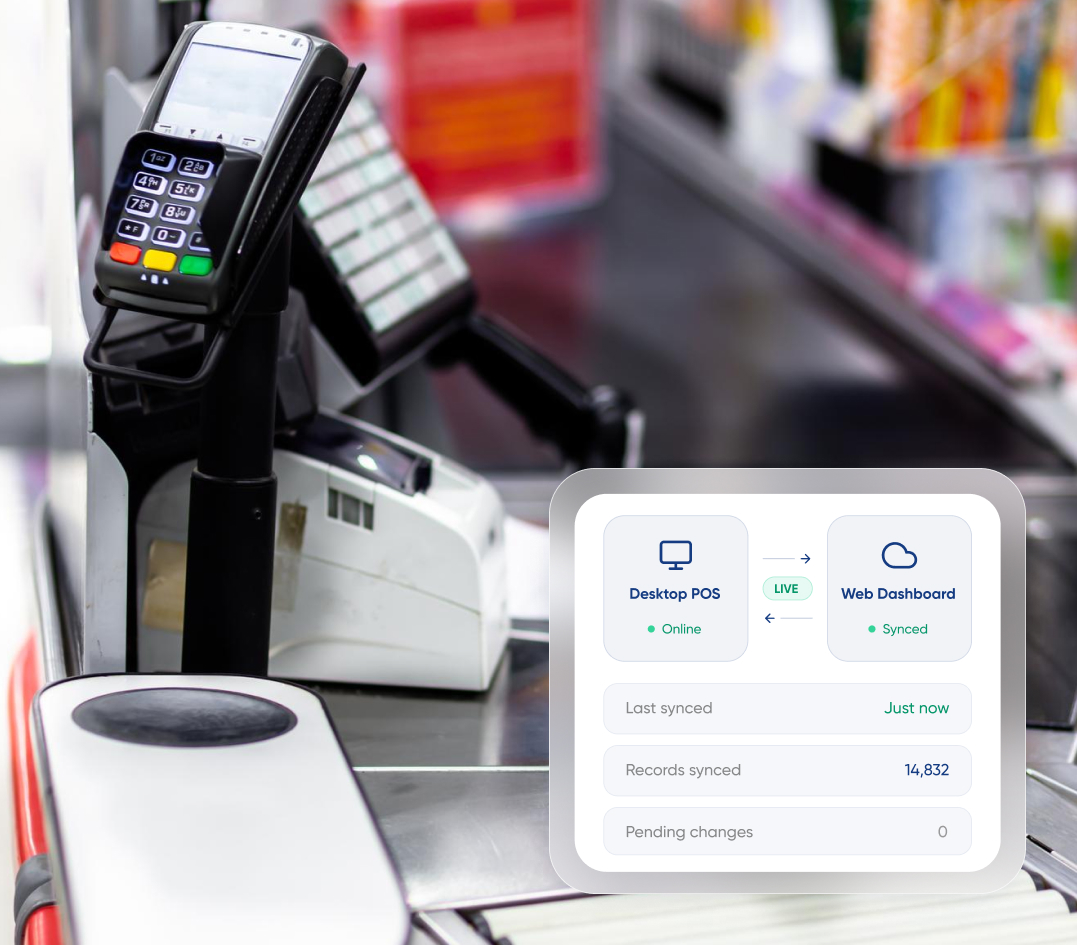
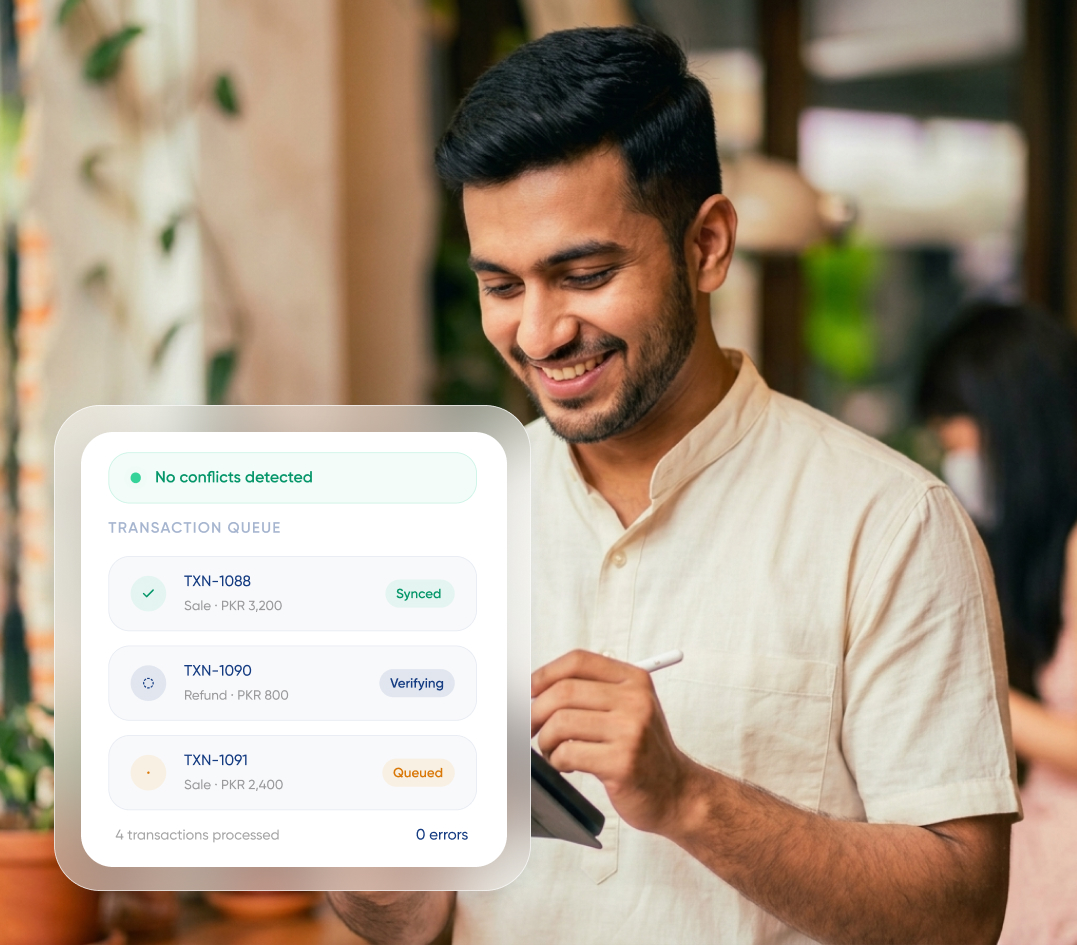
Every transaction is queued, verified, and synchronized safely to prevent duplicate records or data loss.
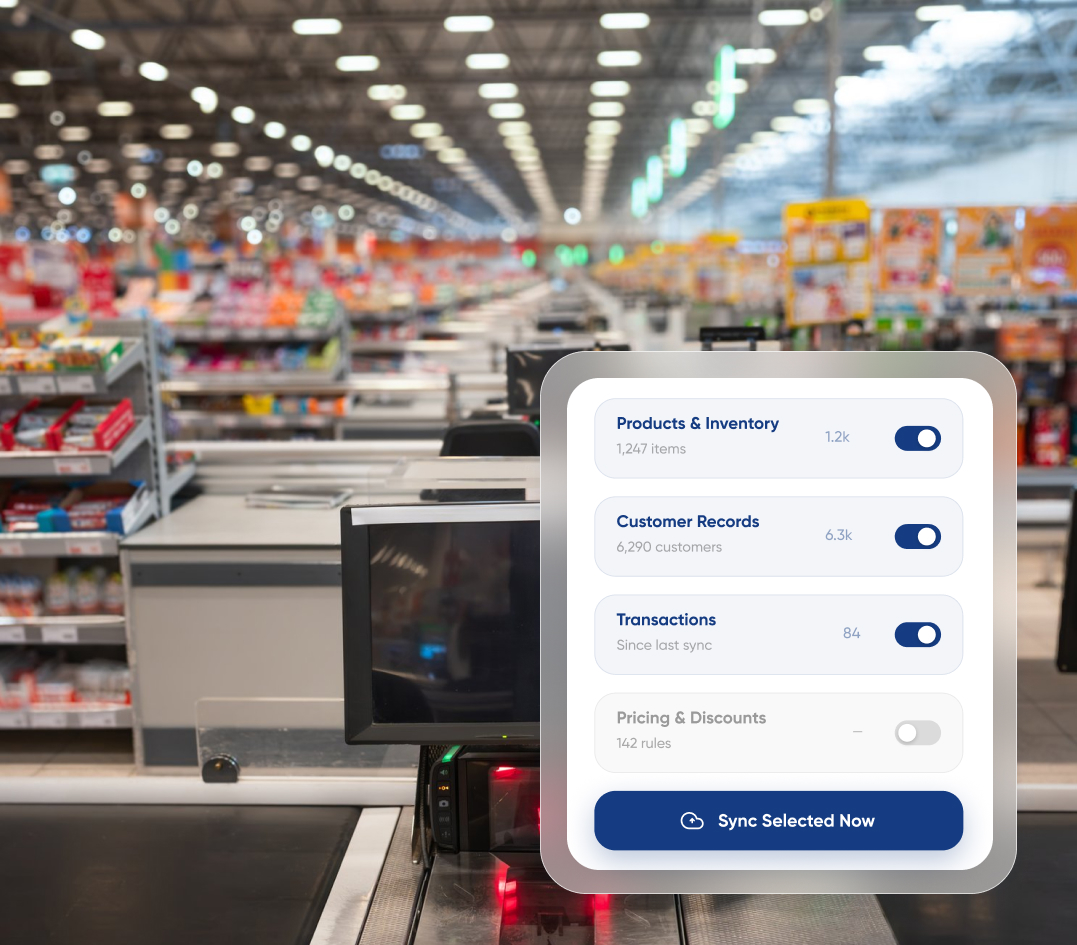
Synchronize specific products, inventory, customers, or transactions whenever you need without running a complete sync.
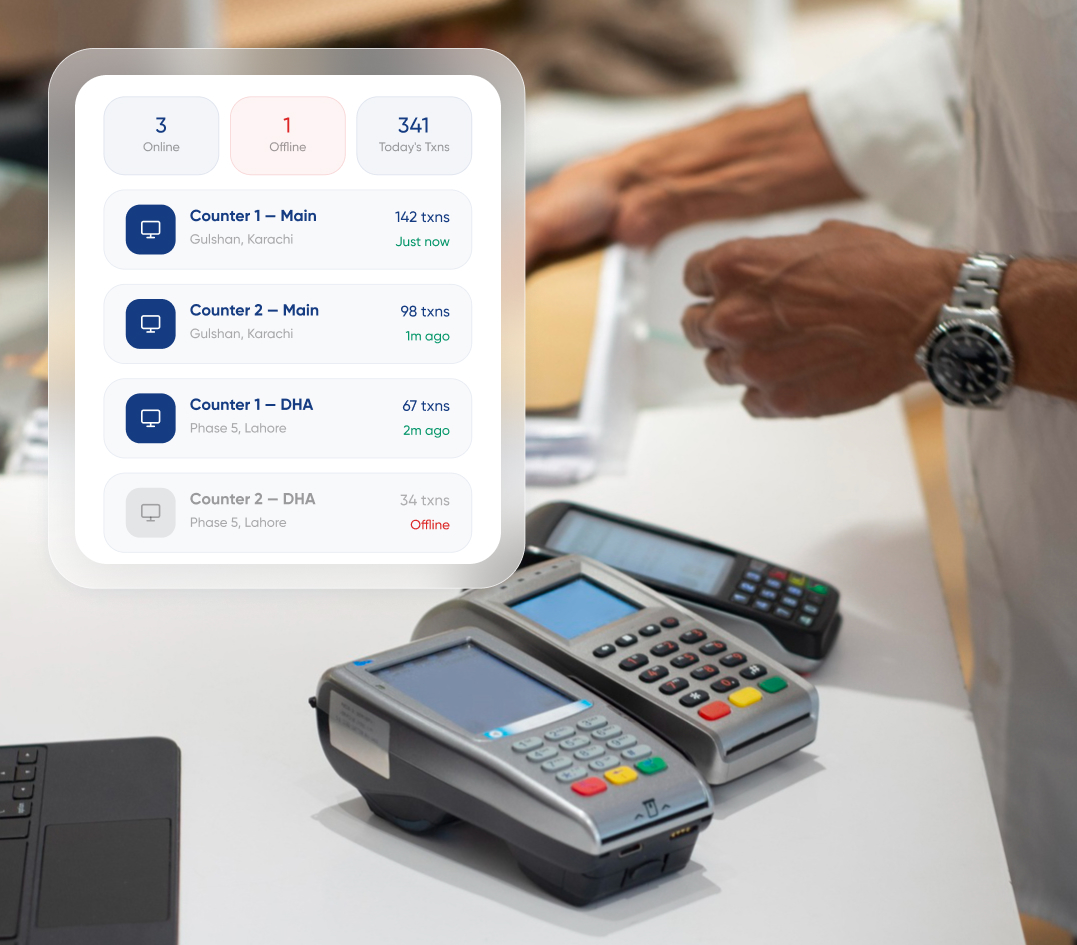
Keep multiple POS terminals synchronized so every checkout counter works with the latest business data.

Synchronize inventory and purchases.
Keep checkout running smoothly.

Sync inventory across every counter.

Keep every branch connected.

Synchronize high-volume transactions.

Protect every transaction automatically.
Our experts configure offline synchronization, connect your desktop and web systems, and ensure every location stays synchronized from day one.